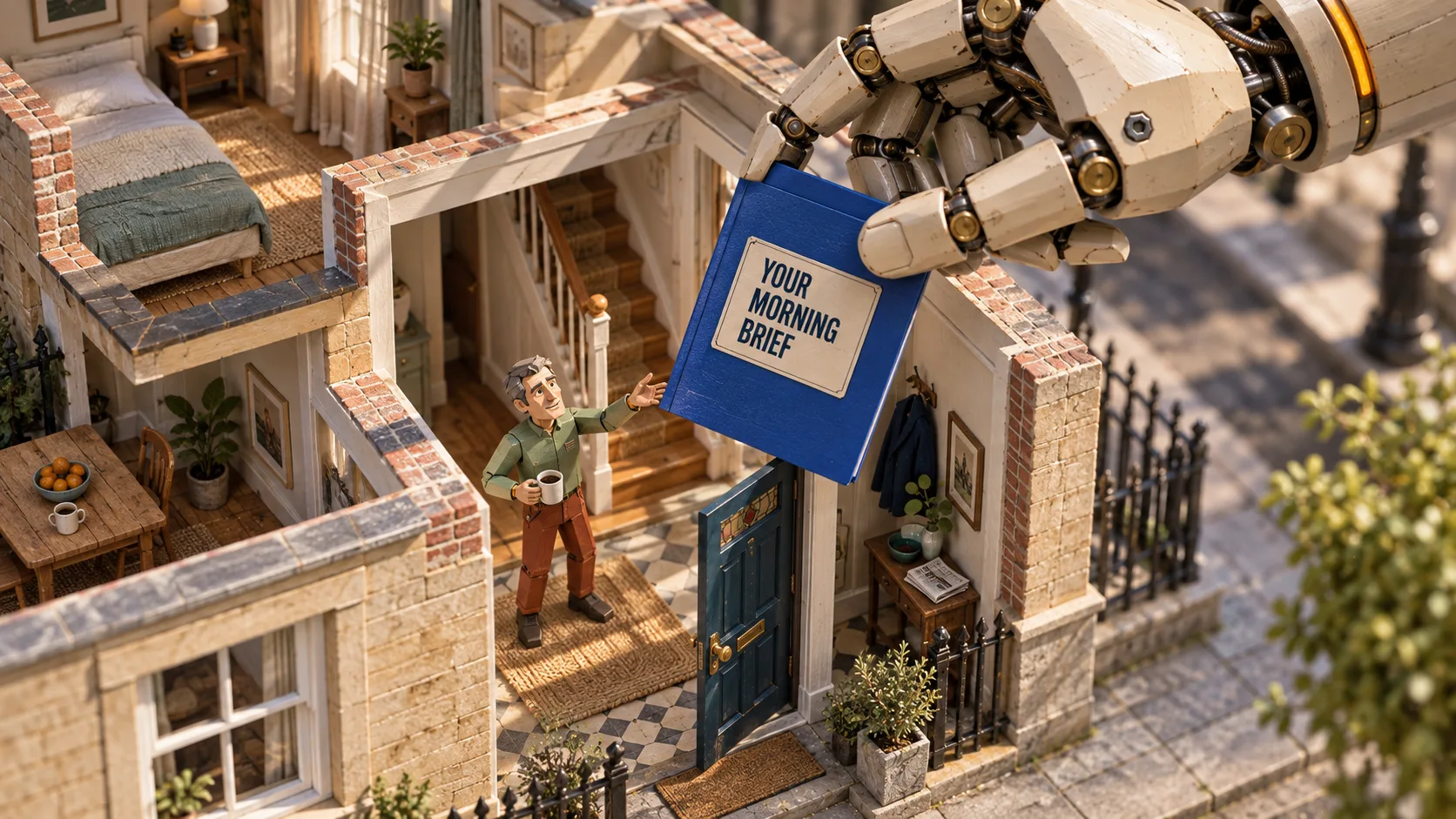
On 4 September, my AI agent prepared a morning brief for Solvstream. It gathered the work that needed my attention, the client details I was waiting for, overdue tasks, my calendar and one draft message for me to check.
It did the gathering. I still had to choose what to do and send anything that left the business.
For a service business owner, that is a useful job to give AI. Let it prepare the work, then hand the choices back to you.
If your working day starts with emails, task lists and calendar checks, you can probably see where that would help.
The short version
- My agent prepares a work brief. I decide what happens next.
- It needs current records and clear rules.
- Start with one task and test it on work you already know.
What can an AI agent do for you?
If you paste an email into ChatGPT and ask for a reply, it works on the text you gave it.
An agent can take the task further. With the right access, it can find the email, check other records and prepare a draft from what it finds. You don't have to feed it each piece by hand.
It still needs limits. Finding a message, writing a reply and sending it are separate jobs. You can give it the first two and keep the last one for yourself.
What my morning brief brought me
I run Solvstream, so my days include client projects, new enquiries and work with dates attached.
The brief pulled these into one place:
- Work that needed attention that day.
- Client details I was still waiting for.
- Follow-ups that could wait and work that needed chasing.
- Tasks that had passed their due date.
- My calendar and a draft follow-up message.
Some work did not need chasing yet. One client had already replied to a recent chase, so the brief suggested giving them more time.
I want a reason beside each suggested action. That lets me check the suggestion against the records and what I know.
The brief also pointed out work that was waiting on me. It could prepare the choices, but it could not make them for me.
The AI needs somewhere to look
My setup has written notes about the business, records of current work and rules for how the AI should help.
For a small business, those records may be quite ordinary:
| What the AI needs to know | Where you may already keep it |
|---|---|
| What you do for clients | Your service notes or website copy |
| What you promised | An agreed quote or email |
| What is due | Your task list or calendar |
| What happened last | A client record or meeting note |
| What good work looks like | An example you have checked |
Your Excel sheet, Word files and saved notes can still be useful. You don't have to start again. First, decide which records are right and which are old.
If a due date changed yesterday, the AI needs to see that change. A note from last month won't tell it.
Rules tell it what to do
Business records hold the facts. Rules tell the AI how to use them.
For a morning brief, you might tell it to show overdue tasks first. If a task has no date, it should point that out instead of guessing.
You also need to say what stays with you. In my content work, I review drafts and decide what gets published. The AI can prepare the work without making that choice for me.
“Save a draft for me to check” gives it a clear place to stop. You should receive a draft, not discover that it has already sent the message.
Saved notes can go out of date
Some AI setups can keep notes for later. That saves you from explaining the same things in every chat.
My setup uses shared notes between work sessions. Those notes are separate from the current records that define the business.
Say a saved note puts a client meeting on Friday. The client then moves it to Monday. The current calendar should guide the brief.
Ask where the AI checks facts that may have changed. Saved memory is useful, but it can be out of date.
Choose one job you want handed back
“Help me run my business” is too wide. Name one task you want done.
You could start with:
- Notes before a client call.
- The facts for a weekly project update.
- Work that is waiting for your reply.
- A draft report from records you have checked.
These are jobs to consider, not claims about what every AI app can do.
If you're unsure which one to pick, what to automate first explains how to find work you repeat.
Once you have a job in mind, write down four things:
The job
Name it in one sentence. For example: prepare a short brief before a client call.
What it can read
List the records it needs. That could be the agreed work, recent meeting notes and the current task list.
What comes back
Describe the finished result. A one-page brief with open tasks and points to discuss is something you can check.
What stays with you
Set the limits. You might allow a draft document while keeping changes to client dates and outgoing messages in your hands.
Take those four answers to whoever helps you set it up. Ask them to show you that exact job working.
Test it on work you know
Use a past job for the first test. You know what happened, so you can spot what the AI missed.
For a client brief, check that it found the right client, used the right dates and kept promises separate from ideas. Open the records behind its claims.
Then test a case with a missing note or two dates that disagree. It should name the missing note or clashing dates so you know what it could not settle.
Count your time as well. If you spend longer fixing the brief than you would spend making it, the job still needs work.
My article on making AI catch problems in your work explains why you need to say what you want it to check.
Common questions
Do I need several AI agents?
Start with one job. My wider setup uses different AI apps for different work, but it still has parts I am improving. You don't need to copy the whole thing.
Will it send messages without asking me?
That depends on how it is set up. Ask for draft-only work if you want to check each message, and make sure its access matches that choice.
Does it keep working when I close the chat?
Don't assume it does. Some setups can run at set times. Others need you to start them. Ask how yours starts and how you will know if it fails.
Pick the work you want back
Choose one task where you spend more time gathering facts than making the final choice. Write down what a useful finished result would look like.
Use the free AI Workflow Map to take a first look at where AI could help in your business.