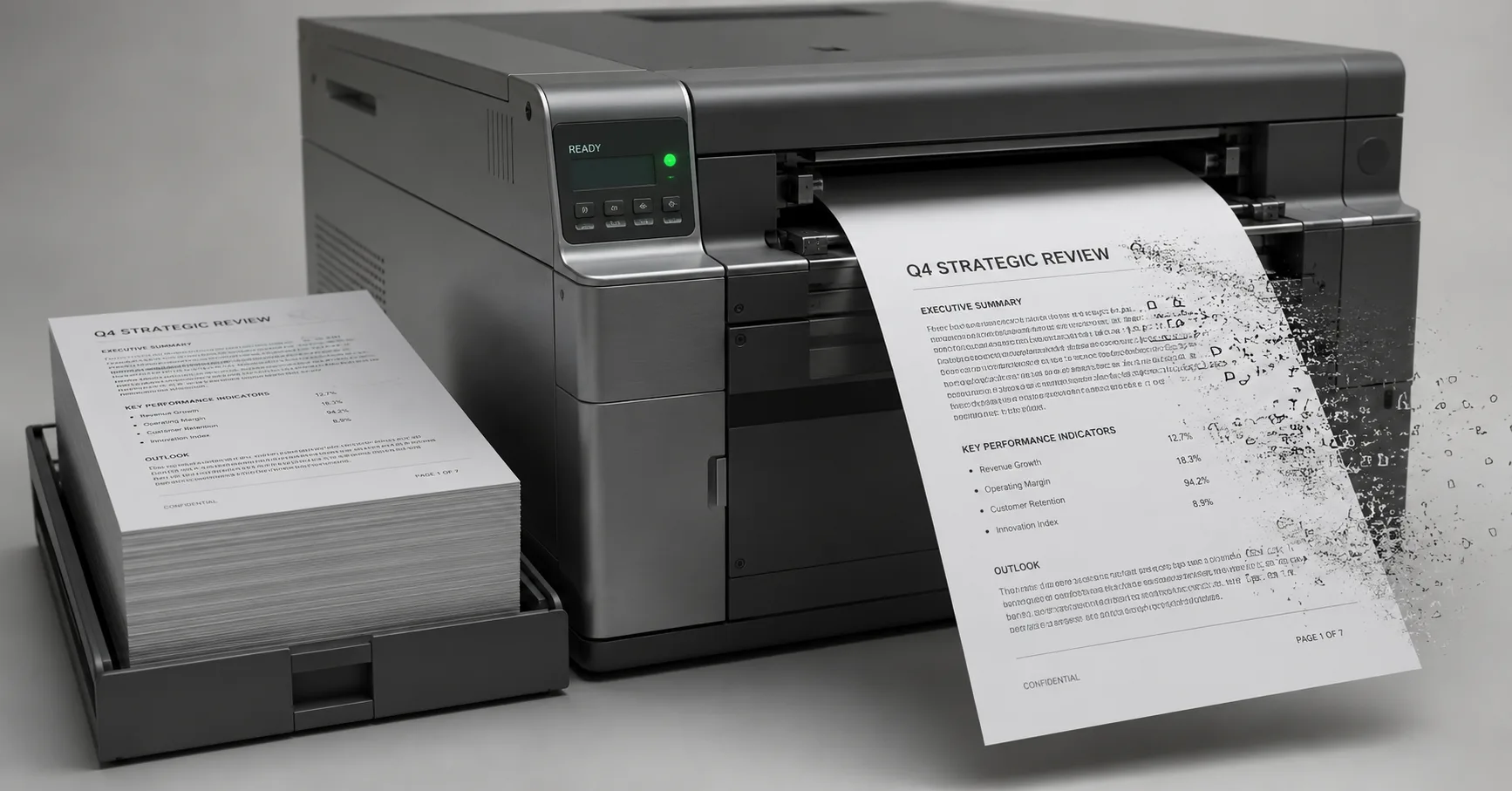
Featured image for Your AI Automation Looks Fine. It Might Not Be. on SolvStream blog
Back to Blog
aiautomationworkflowstoolsoperations

Your AI Automation Looks Fine. It Might Not Be.

Shaun Richardson26 May 2026

An AI automation you set up a few months ago is still running. Every morning it does its job, produces its output, and the output looks completely fine.

That's the problem.

Most AI automations don't fail the way normal software fails. They don't throw an error or grind to a halt. They drift. The output keeps arriving, keeps looking right, and quietly stops being right, and nothing anywhere tells you. It's a pattern I run into constantly in SolvStream's work, and I've started calling it automation-prompt drift. Once you've seen it, you can't unsee it.

The short version

  • AI automations rarely fail loudly. They degrade quietly while the output still looks polished.
  • "Looks right" is the cheapest thing an AI produces. It isn't evidence the answer is correct.
  • The setup drifts because the model, the inputs and the edge cases all move on after you've built it. The prompt doesn't.
  • Set-and-forget is the wrong mental model. An AI automation runs unattended, so it needs checking, the same as anything else that does.
  • The fix is a check that fluent output can't pass: a real sample you verify by hand.

The myth: if it's still producing output, it's still working

Almost everyone holds this belief without noticing it. You built the automation, you watched it work, and now you treat "it's producing output" and "it's working" as the same thing.

With traditional software, that's fair. A broken script throws an error. A broken integration stops. The failure is loud and obvious, and silence means things are fine.

AI doesn't play by those rules. An AI step will always produce something, and that something will always be fluent, formatted and confident. Feed it nonsense and it hands you a tidy, professional-sounding answer to a question nobody asked. The output looking right tells you the model did its most basic job. It tells you nothing about whether the answer is correct.

Why does broken AI output still look right?

Broken AI output still looks right for two reasons. The signals you normally rely on to spot failure have gone silent, and AI output is fluent by default. Together they make the surface of the work look identical whether the answer underneath is sharp or quietly wrong.

The first is that every signal you normally rely on has gone quiet. No error message. No red light. No stalled queue. The output is sitting there every morning, on time, looking exactly like it did on day one. Your brain reads "no alarm" as "no problem", because for twenty years of using software, that was true.

The second is that AI output is fluent by default. Fluency is the one thing a language model is guaranteed to deliver. So the surface of the work, the formatting and the tone and the confident phrasing, looks identical whether the answer underneath is sharp or quietly wrong. You're checking the wrapping, not the contents, and the wrapping never changes.

What is automation-prompt drift?

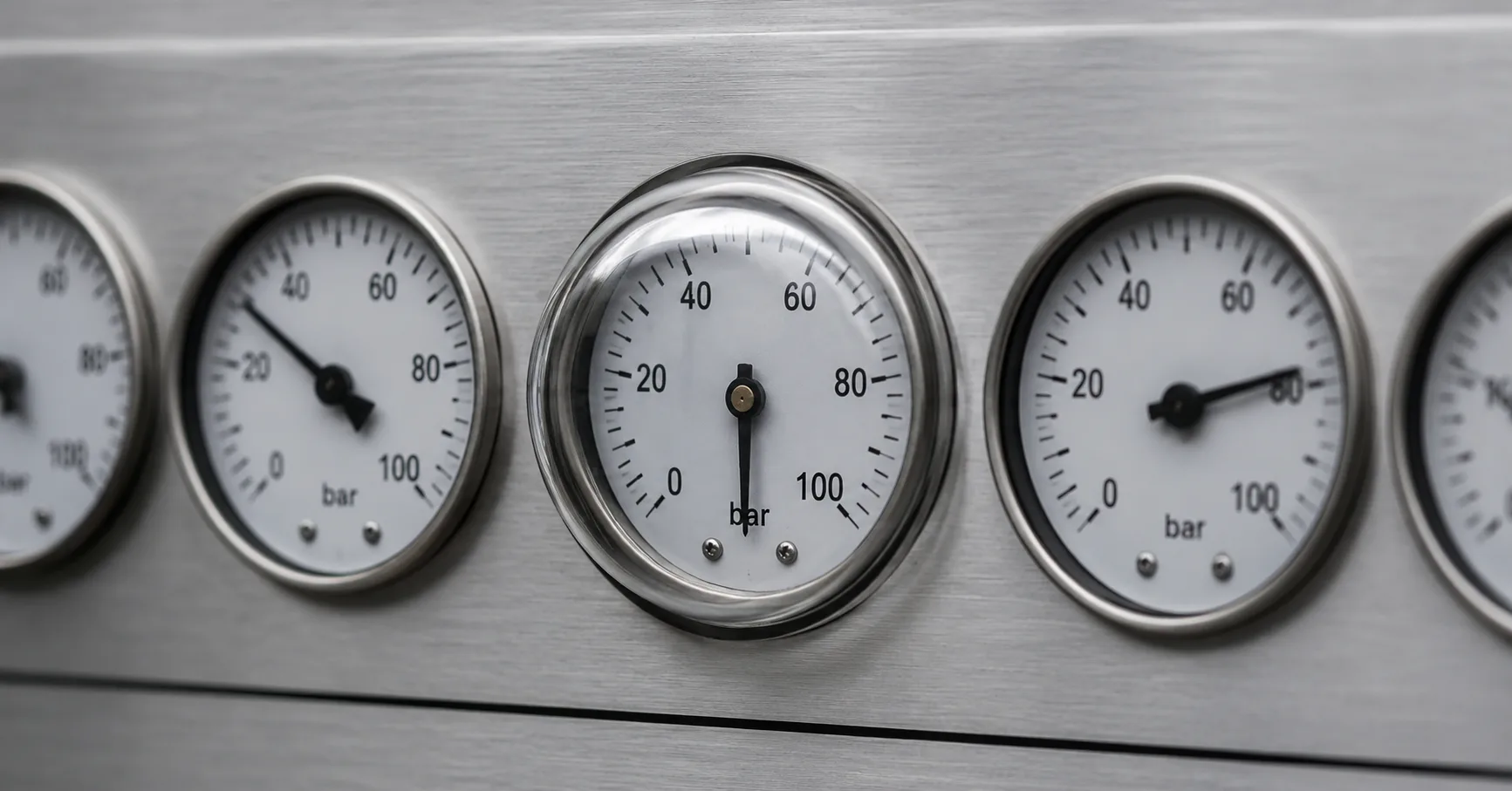
A row of dials where every needle has moved except one frozen under glass, showing an AI prompt left unchanged while conditions shift

Automation-prompt drift is what happens when an AI automation keeps running after the model, the inputs and the edge cases have all changed, while the prompt that drives it stays frozen. The output still looks right. It just slowly stops being right.

When you set up an AI automation, you tuned a prompt to a specific moment. That prompt quietly encoded a set of assumptions: how the model behaved that week, what your input data looked like, which edge cases existed and which didn't.

Then everything except the prompt moved on.

Three things move. The model is the obvious one. Providers update models, sometimes without announcing it, and the same prompt run on this month's version can behave differently from last month's. "Differently" is not always "better" for your specific job. Your inputs move too. The data feeding the automation is rarely static, a field gets renamed, a client starts formatting things their own way, a new category appears, and the prompt was written for the old shape. The edge cases shift as well. The handful of unusual cases you never saw at setup are now turning up weekly, the prompt has no instruction for them, so the model improvises. Fluently.

None of those three throws an error. The prompt sits there frozen, written for conditions that no longer exist, while the output keeps looking right because looking right is the easy part.

The evidence is hiding in plain sight

Look at the macro picture. Stu Jordan's State of AI 2026 report describes what's been called the Gen AI Paradox: around 78% of businesses now use AI in some form, while fewer than 1% of big public companies are pointing to real revenue gains from it. Mass adoption, almost no measurable result.

That gap isn't only about bad strategy. A good slice of it is automations that technically run, produce output every day, and quietly don't do the job anyone thinks they're doing. The usage shows up in the statistics. The value doesn't, because the value drifted off while the output kept looking fine.

You've probably got a smaller version of this somewhere in your own setup. An automation you were pleased with back in February. You haven't looked closely since, because it has never given you a reason to. That isn't reassurance. That's the blind spot.

How do you catch automation-prompt drift?

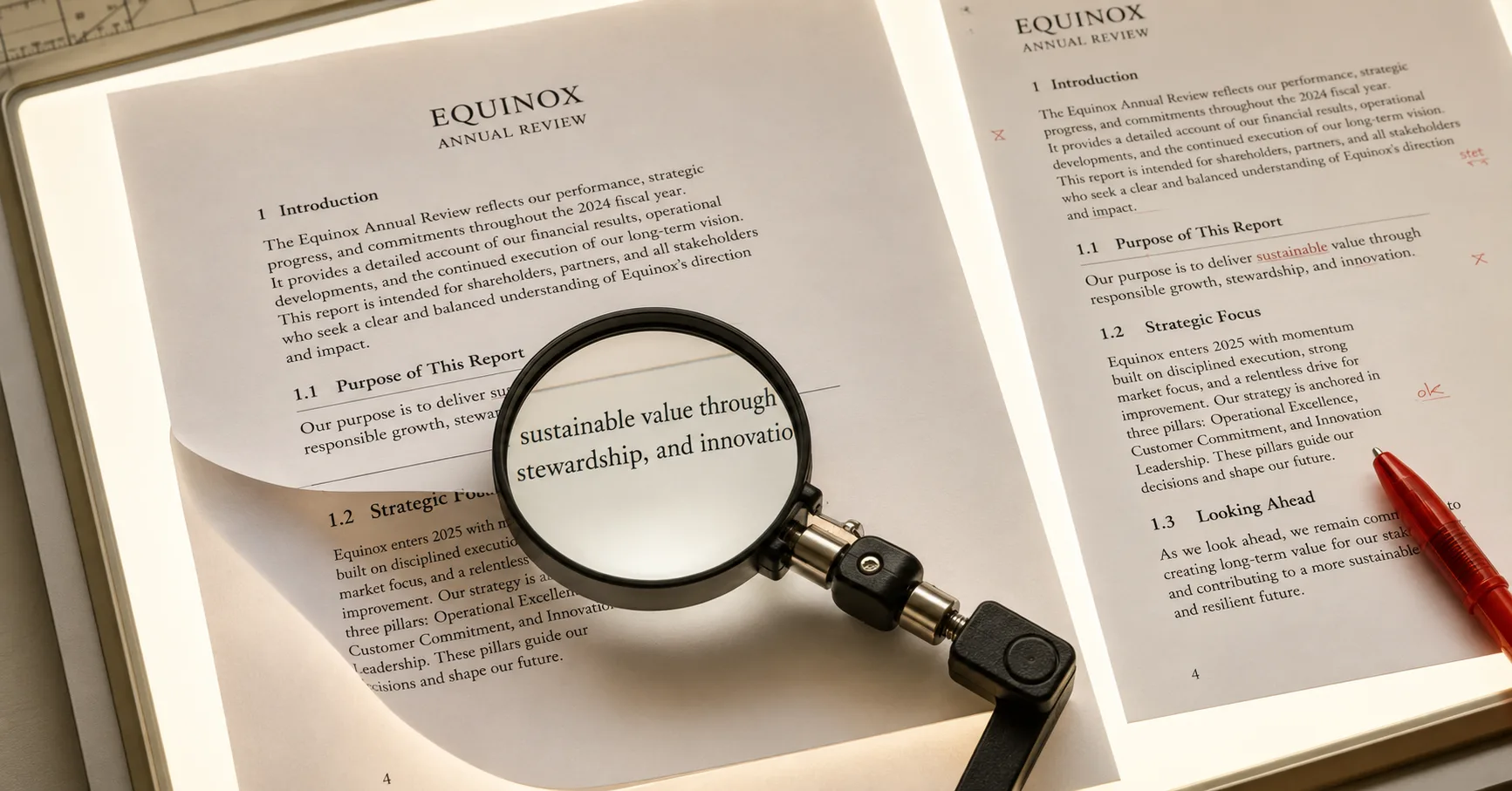
A single AI-automation output sheet under a magnifier on a light table, showing a by-hand check against a reference.

You catch it with three habits: verify a real sample by hand, track when the model changes, and re-read the prompt against current conditions. None of it is heavy work. It just has to be deliberate, because nothing else is going to prompt you.

You don't need to distrust AI automations. You need to stop treating them as set-and-forget and start treating them as something that runs unattended and therefore needs checking.

Build a check that fluent output can't pass

Once a fortnight, take a real sample of the automation's output and verify it by hand against the truth. Not "does it read well", it always reads well. "Is this specific answer actually correct." This is the single highest-value habit, because it's the only test fluency can't talk its way through.

Know when the model changes

Note which model version your automation runs on, and keep half an eye on provider updates. When the model shifts underneath you, that's the moment to re-run your hand-check, not six weeks later.

Re-read the prompt against today

Every month or two, read the prompt as if you were writing it fresh, and ask whether it still matches your current inputs and still covers the cases you actually see now. A prompt is a snapshot of one moment, and moments expire.

There's a broader principle under all of this, and it's the same one that applies before you automate anything. AI only earns trust inside a structure you can actually see. The output of an automation is invisible to you unless you build the visibility in, and a check you run by hand is that visibility. Without it, you're not monitoring the automation. You're just hoping.

Where this leaves you

The automation that should worry you isn't the one that broke. A broken automation announces itself. It's the one that's run smoothly for months, that you haven't thought about, that everyone quietly trusts.

Go and find that one. Pull a sample of what it produced this week and check it properly, by hand. Best case, it's fine and you've spent ten minutes. Worst case, you've caught something that was never going to raise its hand.

If you've got an automation you lean on and can't quite vouch for, that's exactly what a Clarity Session is for. It's a free 30-minute call.

Shaun Richardson, founder of SolvStream

Shaun Richardson

Founder at SolvStream

Shaun helps business owners fix the operational bottlenecks that cost them time and momentum. His work blends practical operational thinking with focused AI integration, helping businesses build tools they'll actually use and processes that hold up under pressure.

Shaun writes about operational clarity, intelligent technology, and the quiet power of getting out of your own way.

Last updated: 26 May 2026

We use optional analytics cookies to understand how visitors use this site. No personal data is collected. Privacy Policy