A steel-trading business asked me to speed up their quoting. Complex quotes were taking 2 to 4 hours each. Prices came in by email and WhatsApp, the costs were worked out by hand, and every live deal lived in the owner's head.
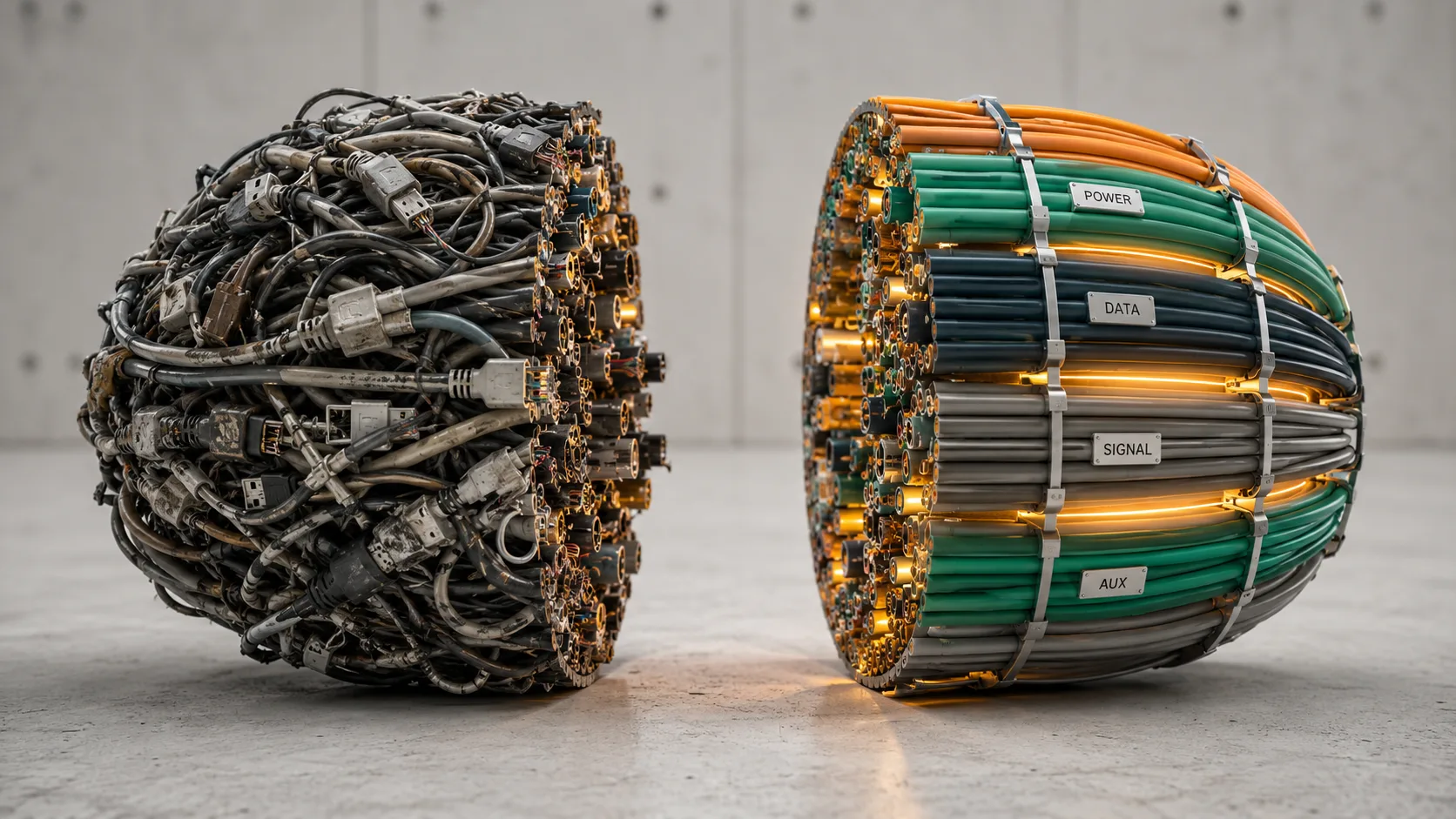
The tempting move was to automate the quote. We did not start there. First, we made the work visible: where each figure came from, which decisions repeated and where the owner still needed to make the call.
Start with the work, not the tool
AI needs something firmer than a vague instruction. It needs the right input, a bounded task and a clear way to check the result. If any of those are missing, a bad output tells you very little. The problem could be the source material, the instruction, the tool or the process around it.
That is why mapping comes first. It does not prove that AI belongs in the work. It gives you enough visibility to make that decision properly.
Solvstream calls the searching, reconstruction and shuffling of scattered information the Fragmentation Tax. There is no useful general figure for it. Measure the cost in the process in front of you.
How the repair worked
Step 1: Map the process as it actually runs
Follow one recent job from beginning to end. Note the information it needs, where the work waits, what sends people searching and which exceptions break the usual route.
On the steel quoting job, that meant tracing one enquiry from arrival to the price sent back to the client. Supplier prices, cost workings and the live deal status all had to become visible.
Step 2: Separate repeated work from judgement
Put a few real examples side by side. The repeated parts become obvious. So do the places where the client, risk or commercial context changes the answer.
That comparison shows what might suit a template, a rule or an automation. Scope, pricing and other consequential decisions stay with the person responsible for them.
Step 3: Build the operating structure
Give the process a working spine. Decide where current information lives, which version is authoritative, what moves the job forward and who checks the result.
For the steel job, live quotes moved into one deal board. Supplier messages became structured figures, and the owner retained the final approval.
Step 4: Add AI and test the result
Only then should AI enter the picture. Test it on the bounded, repeated work. Track errors, interventions and elapsed time, then keep the change only if the record supports it.
Quoting that took 2 to 4 hours now takes 20 to 40 minutes. The owner still makes the final call. She just isn't doing the gathering and the writing herself. At three complex quotes a month, that is about 90 hours a year back, and €13,500 worth of her time. The before and after sits on the work page.
That is one paid engagement, not a forecast for the next client.
Three checks before adding AI
Can you find the inputs? Name where each one lives and which version should be used.
Can you see the decisions? Record the rule, owner or approval point behind each consequential choice.
Can you check the result? Define what a correct output looks like and who approves it.
If one of those answers is unclear, repair that part before adding automation.
Common questions
How long does mapping a process take?
It depends on the scope and how much of the work is already visible. Follow one real job from start to finish. That will show whether you know enough to design the build.
Can AI map the process for me?
It can organise what you give it. It cannot see an unrecorded decision or exception, so someone who knows the work still has to check the map.
What if the process is different every time?
Compare recent examples. Reuse what genuinely repeats and keep the variable parts under human judgement.
Do I have to fix everything before adding AI?
No. Choose one bounded process, define the checks and test the change there.
Make the process legible first
When an AI test goes wrong, do not guess at the cause. Inspect the input, the task, the surrounding process and the review standard. Once those are clear, you can see where AI earns a place and where it does not.
If you are not sure which process to inspect, use the free AI Workflow Map. Five questions return a one-page read on where AI may fit.